Raspberry Pi Screens
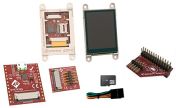
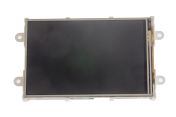
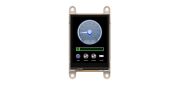
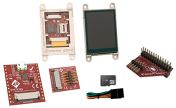
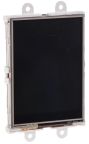
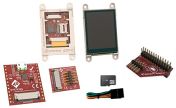
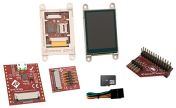
Raspberry Pi screens are devices that are designed to add a display or touch screen to a Raspberry PI. These LCD screens allow you to take your Pi literally anywhere and step up your projects to the next level.
Types of Raspberry Pi Screens
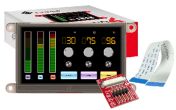
There are a wide range of the Raspberry Pi screen types available with different designs, pixel resolutions and screen sizes that have a number of features that keep getting better as technologies advance.
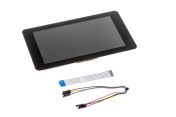
Some of the Raspberry Pi screens only require 2 types of connections, power from the GPIO port and a ribbon cable to connect to the DSI port that is featured on all Raspberry PI, this provides the display interface between the Raspberry Pi and the LCD assembly. Some Raspberry PI screens can also connect to a separate HDMI display.
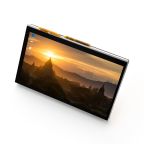
Another type of Raspberry Pi screen touchscreen that is available are LCD capacitive touchscreens. These screens are available the way up to 7 inches in size, perfect to work on or for watching videos.
E Ink displays for your Raspberry Pi, a low power consumption option so you can keep your display on for a long time - even in sunny weather conditions.
Where are Raspberry Pi screens used?
Raspberry Pi screens are utilised in an array of applications such as;
- Build your own Laptop Kits
- Kiosks
- POS systems
- Tablet devices

관련된 링크들
- Raspberry Pi Raspberry Pi HATs & Add-ons
- Raspberry Pi White, Red Raspberry Pi Mouse
- Raspberry Pi ABS Raspberry Pi Case for use with Raspberry Pi 5 in Black
- Raspberry Pi OS
- Raspberry Pi Keyboards & Mice
- Raspberry Pi Raspberry Pi Software NOOBs 32 GB
- Raspberry Pi Red, White QWERTY (Spain) Raspberry Pi KeyBoard
- Raspberry Pi Official Case Fan for Raspberry Pi 4