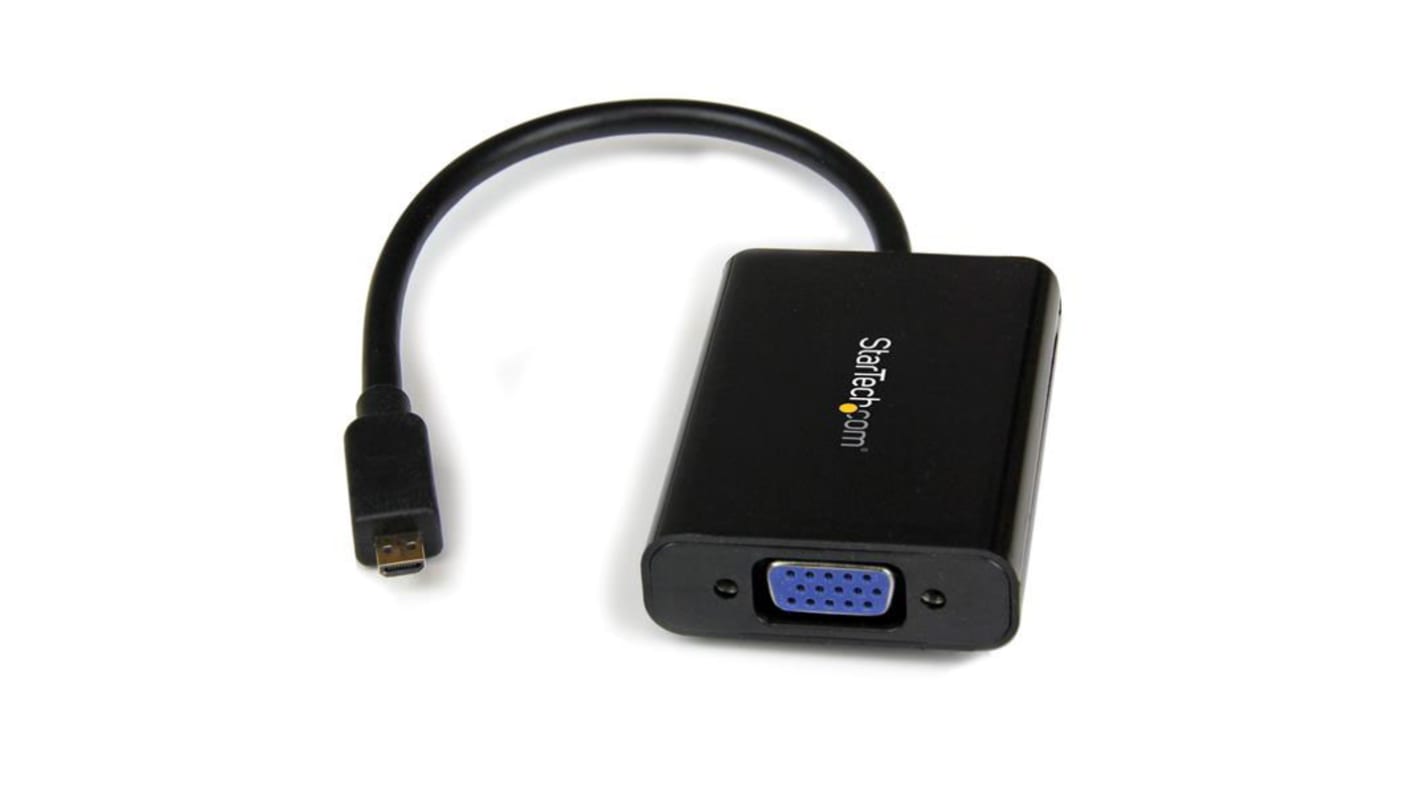
StarTech.com Micro HDMI to VGA Adapter, 258mm Length - 1920 x 1080 Maximum Resolution

현재 비가용
RS는 이 제품을 더 이상 판매하지 않습니다.

대체품

이 제품은 현재 공급 불가입니다. 아래 제품들은 당사에서 추천드리는 대체품입니다.

개당

₩33,633.20

RS 제품 번호:
177-8834
제조사 부품 번호:
MCHD2VGAA2
제조업체:
StarTech.com
제품 정보를 선택해 유사 제품을 찾기
모두 선택

브랜드

StarTech.com

Video Input

Micro HDMI

Video Output

VGA

Number of Video Outputs

1

Maximum Resolution

1920 x 1080

Cable Length

258mm

COO (Country of Origin):
CN

MCHD2VGAA2 Micro HDMI to VGA


The MCHD2VGAA2 Micro HDMI® to VGA Video Adapter enables you to connect a Smartphone or tablet that outputs content through a Micro HDMI connector to a VGA-capable display device (television, monitor, projector), and also offers discrete 2-channel analogue audio output from the Micro HDMI® source. The Micro HDMI to VGA adapter is intended for displaying user generated content such as presentations, documents, and work sheets onto a VGA projector or monitor.

This versatile adapter supports high definition output, including 1080p for HDTV connections, and up to 1920x1080 for computer VGA monitors.

The MCHD2VGAA2 Micro HDMI® to VGA Video Adapter is backed by 2-year warranty and free lifetime technical support.

Features & Benefits


• Supports output resolutions up to 1920x1080
• Easy to use with no software required
• Compact, lightweight, and portable design
• Supported on any VGA display, including televisions and projectors
• Adds value to an Ultrabook, tablet or smartphone equipped with Micro HDMI® output, by broadening compatibility with commonly available VGA display devices (Television, Monitor, Projector)
• Saves the time and hassle of finding a power outlet/source, by not requiring an external power adapter

Applications


• Connect your smartphone or tablet to a VGA projector or display in boardrooms, hotel rooms, in the office, or at home

What’s in the package?


• Micro HDMI® to VGA Adapter Converter

FAQs


Does this device require me to install drivers, or perform any other setup tasks?

This device is plug and play. It does not use any drivers, and does not require any setup tasks other than plugging in the source (for example, a computer) and the destination (for example, a monitor).

관련된 링크들