4D Systems PICASO 4DGL Starter Kit with 3.2 in Resistive Touch Screen
- RS 제품 번호:
- 841-7822
- 제조사 부품 번호:
- SK-32PTU-PI
- 제조업체:
- 4D Systems

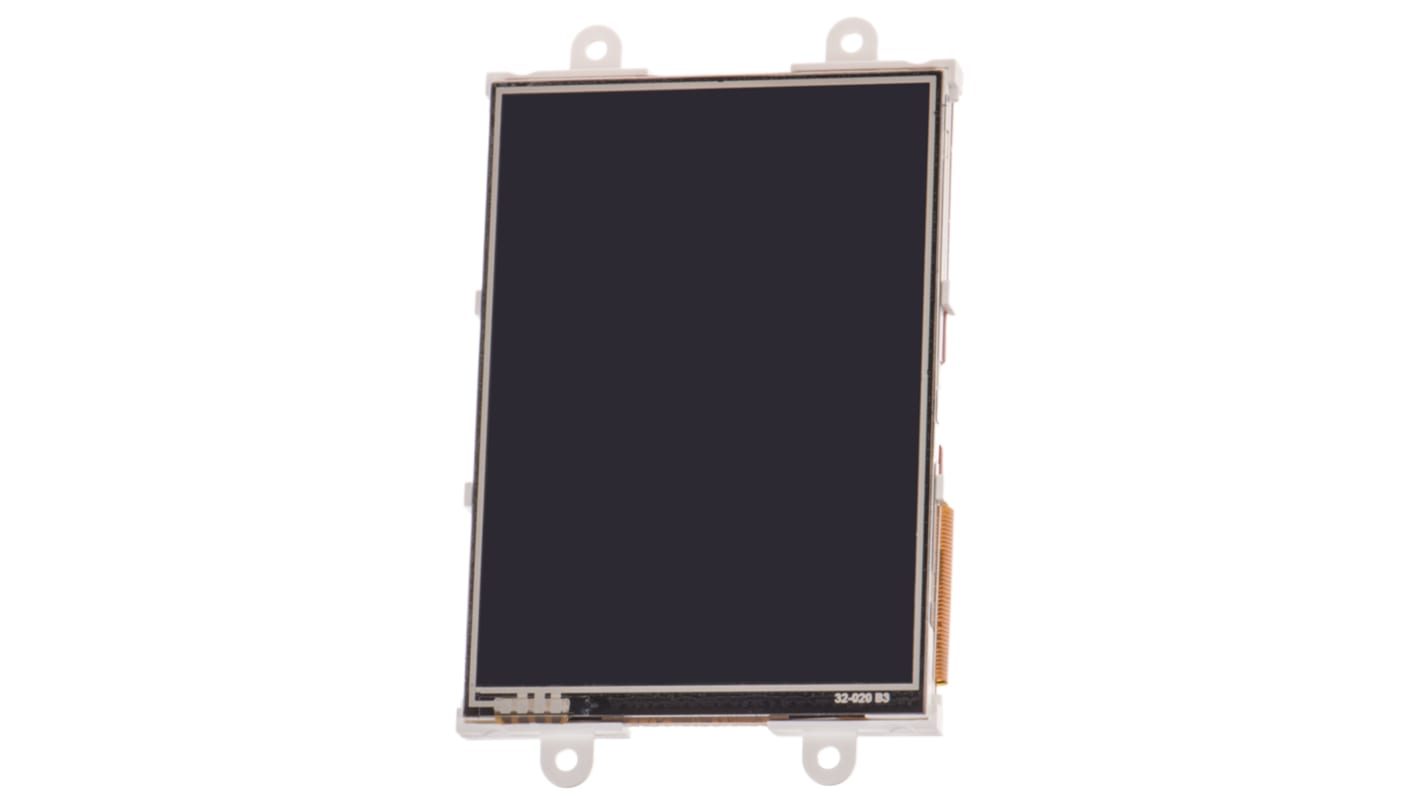
현재 비가용
RS는 이 제품을 더 이상 판매하지 않습니다.
- RS 제품 번호:
- 841-7822
- 제조사 부품 번호:
- SK-32PTU-PI
- 제조업체:
- 4D Systems
사양
참조 문서
제정법과 컴플라이언스
제품 세부 사항
제품 정보를 선택해 유사 제품을 찾기
모두 선택 | 제품 정보 | 값 |
|---|---|---|
| 브랜드 | 4D Systems | |
| Diagonal Display Size | 3.2in | |
| Product Type | Raspberry Pi Screen | |
| Display Technology | Resistive Touch Screen | |
| Kit Name | PICASO 4DGL Starter Kit | |
| Standards/Approvals | RoHS | |
| 모두 선택 | ||
|---|---|---|
브랜드 4D Systems | ||
Diagonal Display Size 3.2in | ||
Product Type Raspberry Pi Screen | ||
Display Technology Resistive Touch Screen | ||
Kit Name PICASO 4DGL Starter Kit | ||
Standards/Approvals RoHS | ||
- COO (Country of Origin):
- PH
LCD Display Starter Kits for Raspberry Pi (PICASO processor), 4D Systems
4D System's range of resistive touch LCD Display Starter Kits for the Raspberry Pi come in 4 different sizes: 2.4 in (8646859), 2.8 in (7905707), 3.2 in (8417822) and 4.3 in (7905716).
Using the kit, you can connect to your Pi to program the LCD display for graphics, images, text, sound and logging data.
Key Features of the LCD Display Starter Kits
•PICASO 4DGL graphics controller
•4D Systems Workshop 4 IDE software
•Variety of serial commands
•Power supply comes directly from the Pi
How do I connect my Pi to the display?
First, connect the 4D serial Pi adapter to your Pi board. Finally, connect the 5-way jumper cable between the adapter and the LCD display. It's that easy.
Kit Contents
•uLCD-xxPTU display module
•4D serial Pi adapter
•2 GB microSD card
•uUSB-PA5 programming adapter
•150 mm 5-way female-to-female jumper cable
•5-way male-to-male adapter
•Quick start user guide
4D Systems LCD Touchscreens
Note
For new designs the 4D Systems gen4 range of LCD displays should be considered, including:
• gen4-uLCD-24DT (RS part 1257941)
• gen4-uLCD-28DT (RS part 1257942)
• gen4-uLCD-32DT (RS part 1257943)
• gen4-uLCD-43DT (RS part 1257947)
• gen4-uLCD-24DT (RS part 1257941)
• gen4-uLCD-28DT (RS part 1257942)
• gen4-uLCD-32DT (RS part 1257943)
• gen4-uLCD-43DT (RS part 1257947)